Every Icon on Your PC, Finally Yours.
Change any icon on your PC in a few clicks. Your folders, file types, drives, apps, even the system icons Windows normally keeps locked. No moving files, no risky tweaks. Don't like a change? Easily reverse back.
Free to try. Works on Windows 11. One-click undo.
Every Windows Icon, Re-Skinnable
Change all your Windows 11 icons all in one app. Folders, file types, drives, your installed programs, and the system icons you normally can't touch.
Pick, Preview, Apply. Easily Reverse anytime.
Custom Folder Icons and File Types
Give your folders their own look so you can spot them instantly. Change the icon on any folder, and on file types too, so your .psd, .zip, or .mp4 files stand out before you even open them.
- Pick a look and see it right away
- Upload your own PNG, ICO or SVG
- Restore the default in one click
Live Folders, With a Peek Inside
Give every folder in your favorite places your own design, with a live preview of what's inside, like Windows does. New folders get it too, even when IconStyler is closed.
- 8 ready-made color pairs, or set each layer
- Choose which places get painted
- Turn it off and folders go back to normal
Save & Apply Profiles
Set up a whole look you love and save it as a profile. Then switch your entire desktop over in one click. Make a festive set for the holidays, a clean one for work, and swap between them whenever you want.
- Switch your whole desktop in one click
- Import icon packs as new profiles
- Back up every profile to one file
App Icons That Stay Put
Don't like the icon on one of your apps? Change it. And when an app update tries to reset it, Icon Guard puts your icon right back.
- Finds your installed programs for you
- Works on Windows apps and web apps too
- Icon Guard watches for app updates
Windows and System Icons
Change the Windows system icons that are normally locked or off-limits, like File Explorer, Home, Gallery, your drives, and the shortcut arrow. Swap all these hidden icons in a single click.
- This PC, Recycle Bin, Network and more
- Every drive, USB and DVD
- Hide the shortcut arrow
Import Icon Packs
Drop in a .zip icon pack and it becomes a profile, ready to apply.
Backup and Restore
Save your icons, profiles and settings to one file. Bring it all back on a new PC.
Restore Points
A restore point is saved before your changes, so you can undo everything in one click.
Fix It Tools
Refresh the icon cache and repair broken shortcuts and program icons in one click.
Make It Yours
Pick your accent color and panel style, even your own name and logo.
Use Any Image
ICO, PNG, JPG, BMP, GIF, WEBP or SVG. Drop it in and it becomes an icon.
Free Icon Packs to Get Started
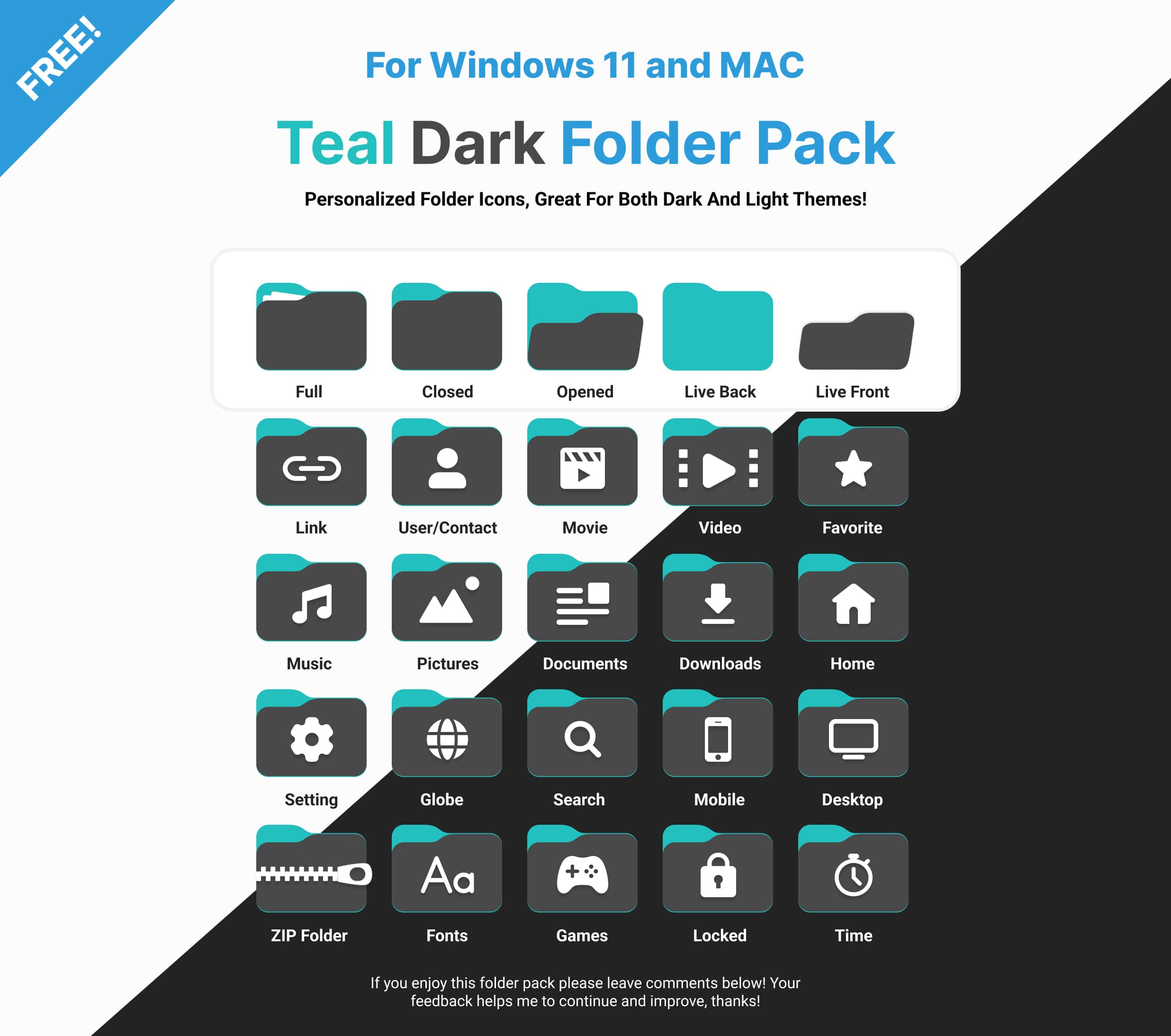
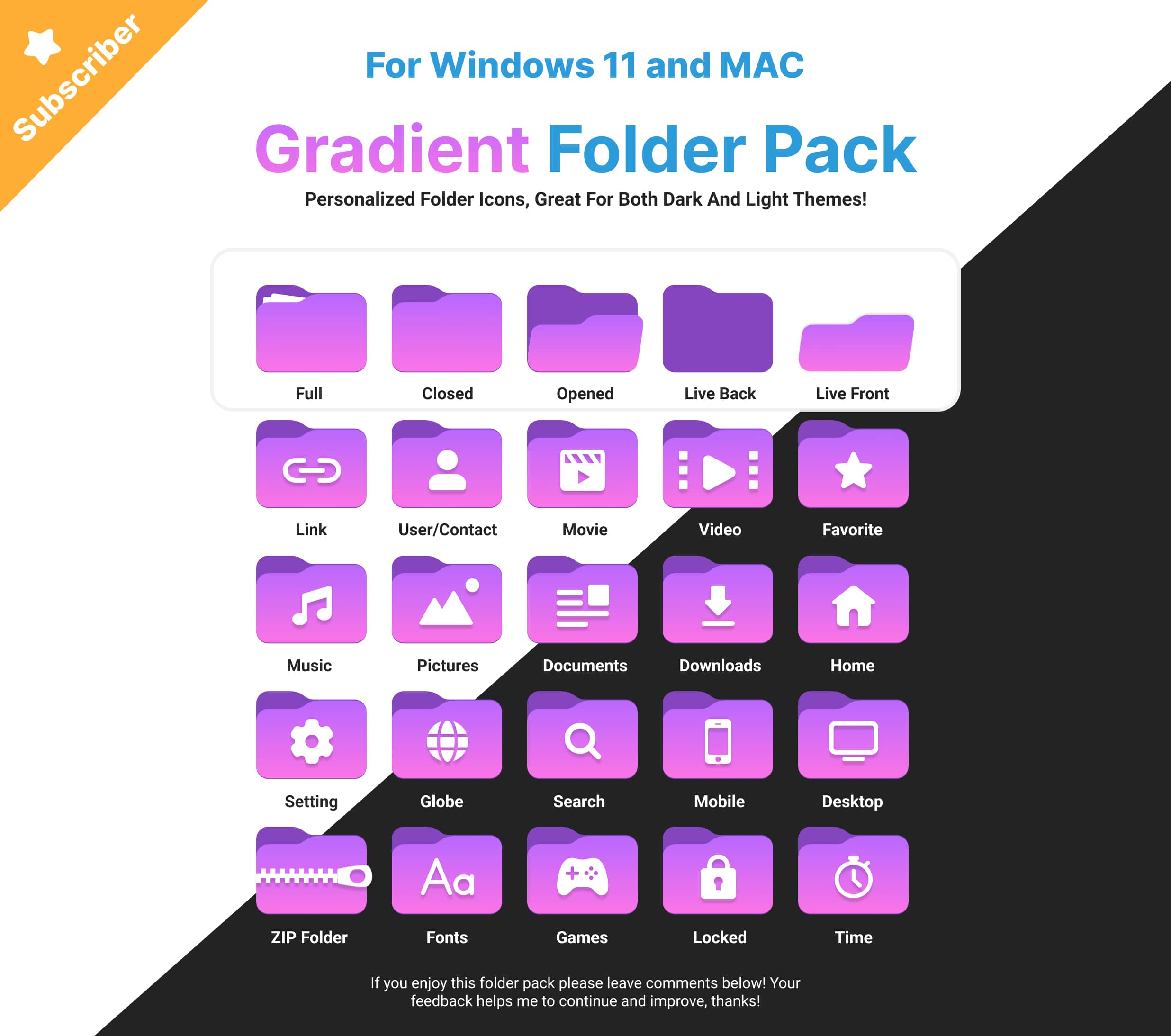
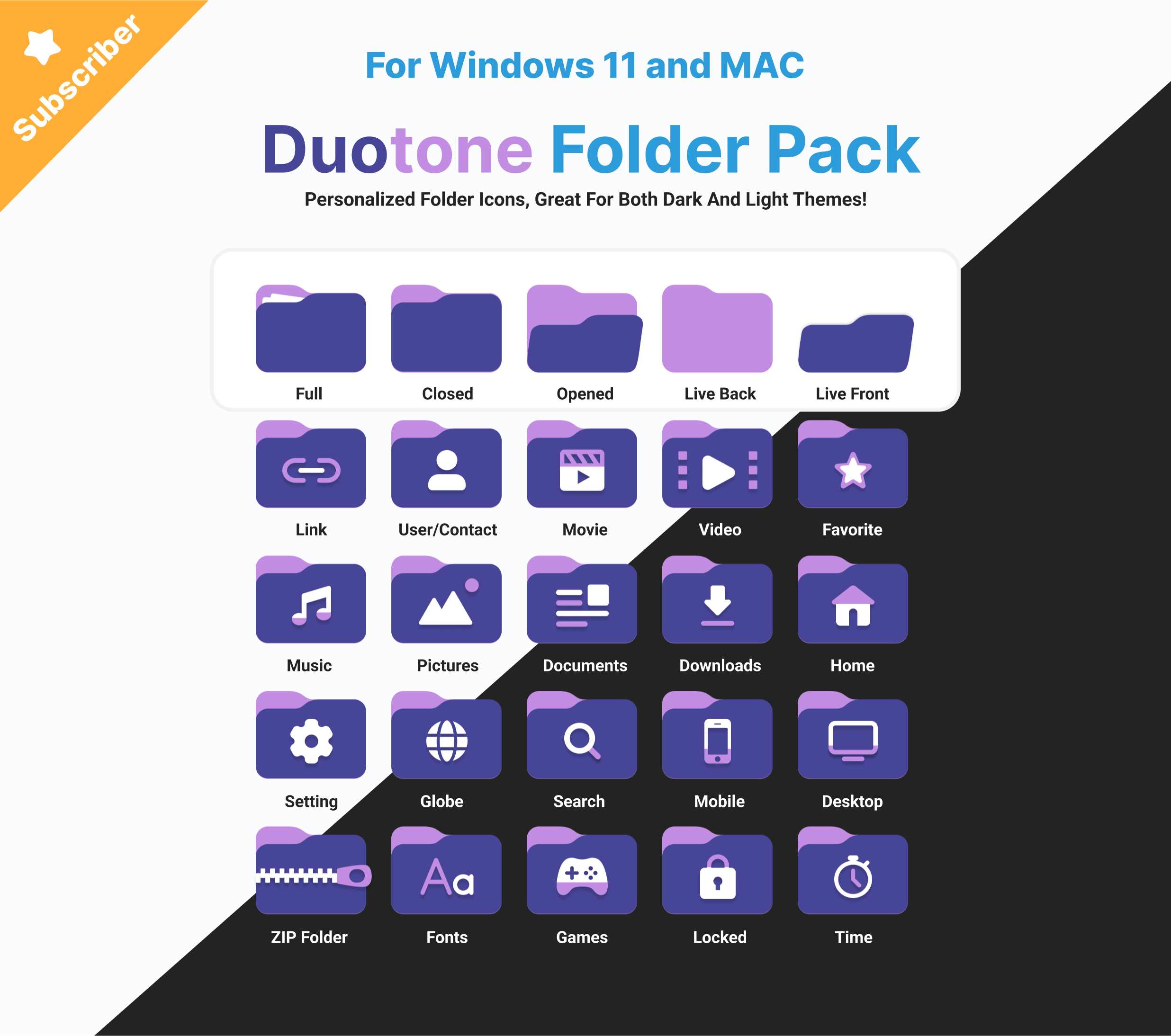
Just getting started? Grab a set of ready-made icon packs for free. Import them, apply them, done. We add new ones regularly.
Why IconStyler
Other tools change one kind of icon, or make you dig through the registry. IconStyler changes them all, keeps your files safe, and lets you undo anything in one click.
Safe by Design
Change everything you want, break nothing you rely on.
Your Files Stay Put
IconStyler never moves, renames, or deletes any of your files.
No Risky System Edits
It never patches or replaces Windows system files. It only uses the icon settings Windows already has, and every change can be undone.
Undo Anytime
One click restores any icon back to the Windows default.
Start Free. Unlock Forever.
Use IconStyler free for as long as you like. Ready for everything? Pay $19.99 once and it's yours for good. No subscriptions, ever.
Free
Everything you need to start customizing.
Lifetime
Every feature, every future update. Yours forever.
Windows 11, 64-bit · ~40 MB download · one-time payment, updates included
Questions, Answered
Does IconStyler move or delete any of my files?
Windows SmartScreen or my antivirus flagged it on first run. Is that safe?
What if I don't like a change?
What are Live Folders?
An app update reset my icon. What now?
Will my icons survive a Windows reset or a new PC?
Is it really a one-time purchase?
Which versions of Windows are supported?
Make Windows Look Like Yours.
Free to download. Spend two minutes and make your PC feel like home.
Download for Windows 11